AHMM Tools
Custom design and workflow tools for architects
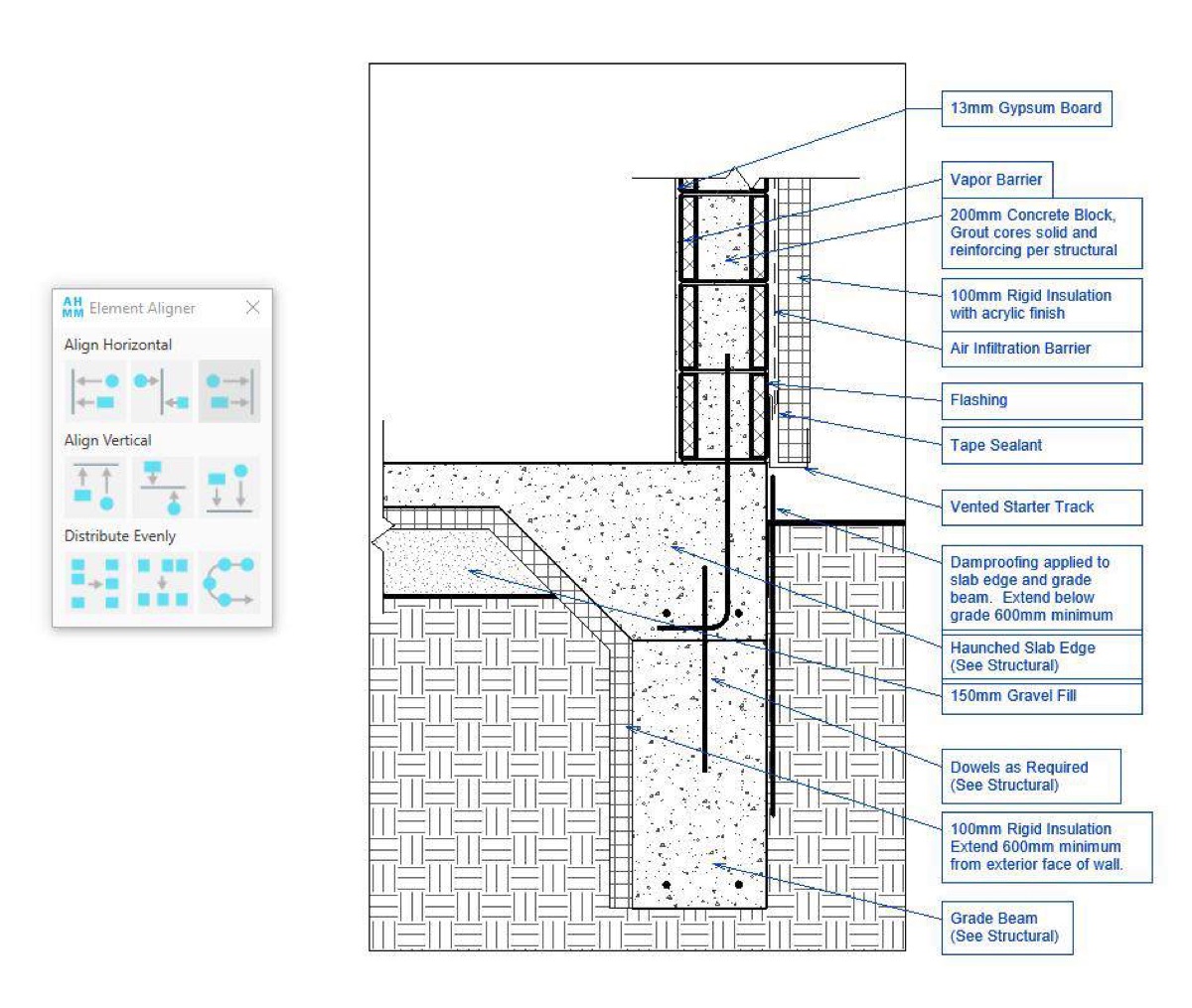
Four years of building whatever AHMM's project teams needed, distilled into a plugin deployed to every architect across multiple international offices.

The greatest hits: an element pre-delete tool showing the knock-on consequences before you break something, an embodied carbon calculator aligned to RICS categories, model issue validation and stripping, geolocation setup, aligners and distributors, data validation checks and instant guidance search.
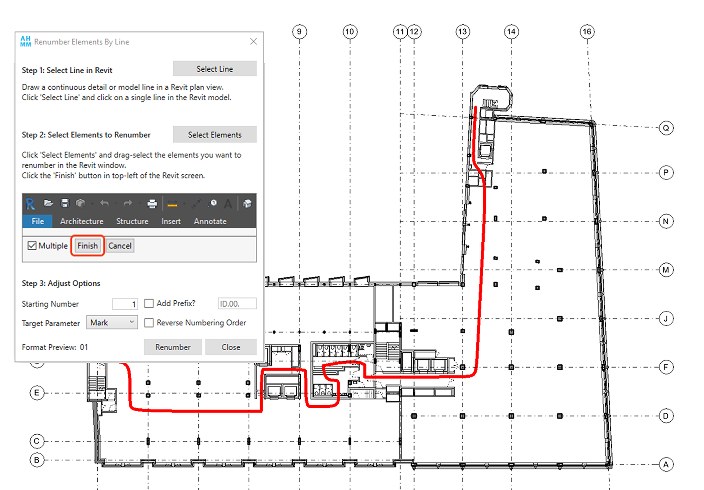
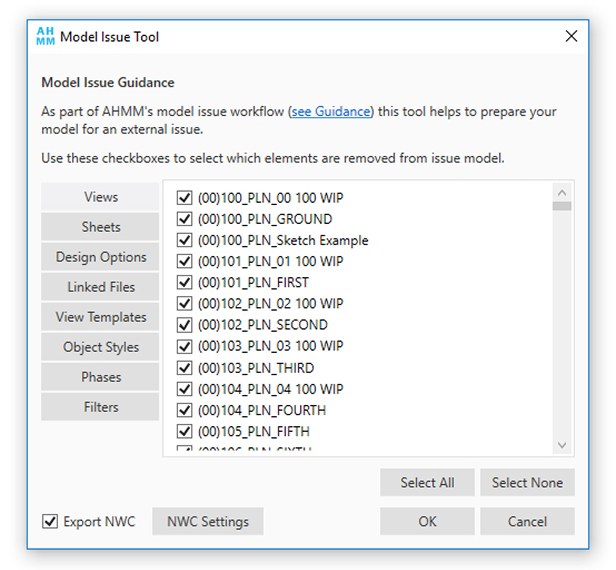
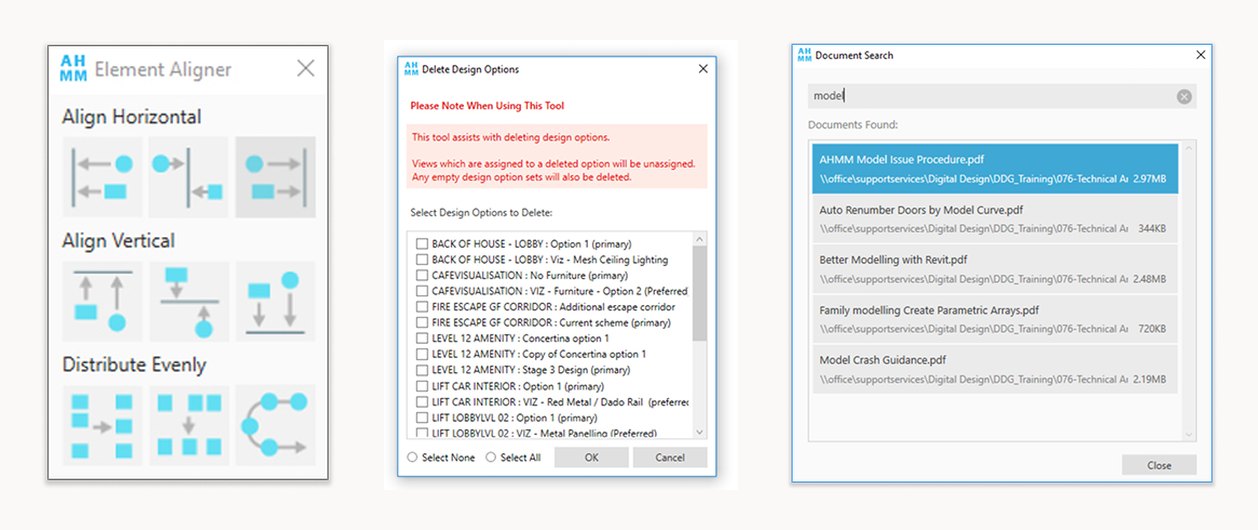
Beyond the plugin, I built automation bridging Revit to InDesign, Excel, SQL databases and local knowledge stores—code-signed, silently deployed, and reporting telemetry so our Digital Design Group understood how each tool was actually used.